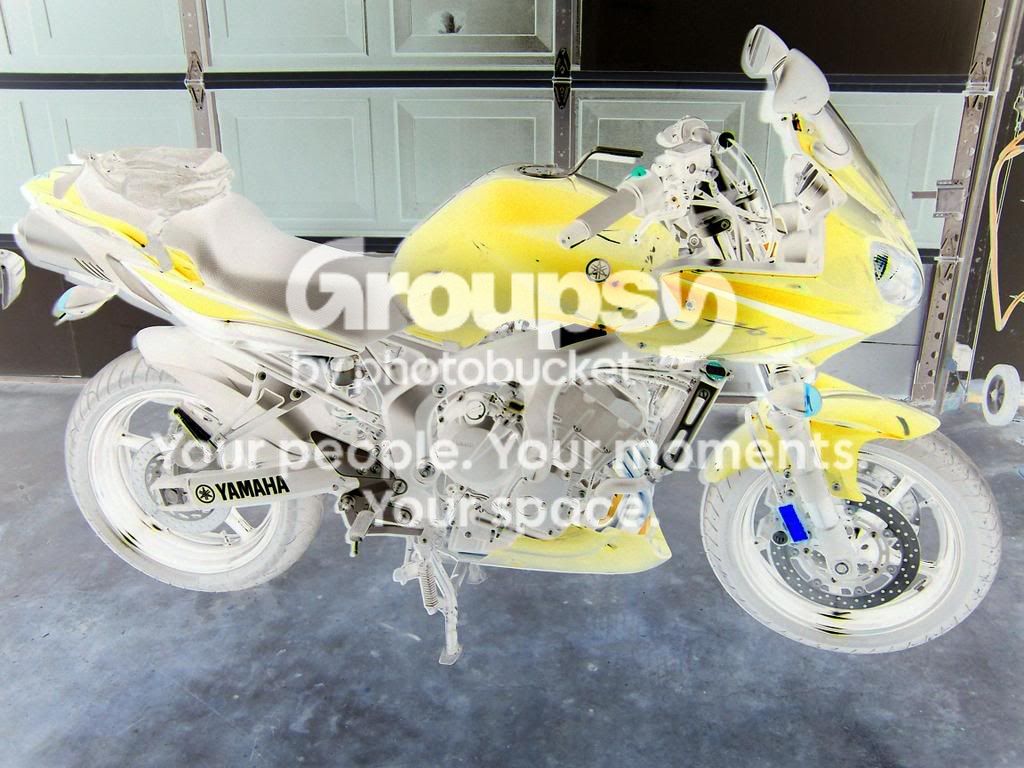
This is the way I would do it..
Trace round the bikes using the freehand selection tool, does not have to be perfect as you will tidy them up in a bit.
Copy and paste these onto the master image (the one with the background), they will each paste into a new layer.
Then tidy them up using the brush eraser to take out the edges that you left when doing the selection, this will erase to transparent (as long as the layers are set to transparent background). Then they can be rescaled, moved etc.
The order of the layers determines which bike is at the front etc. but they must all be on top of the background image.
This is a very quick and dirty example, I have to go to an appointment so not much time, I have done it with my bike form a photo, pasted it onto one of yours and tidied up a little bit around the front, you can see how I traced it from the rest of the bike. Its not perfect but will give you an idea. I didn't have time to sort out the scaling either but each layer can be resized to make it all look right.
Oh, and just for a bit of fun I took the bloke with the guitar out as well!!,